Global Mac hotkey
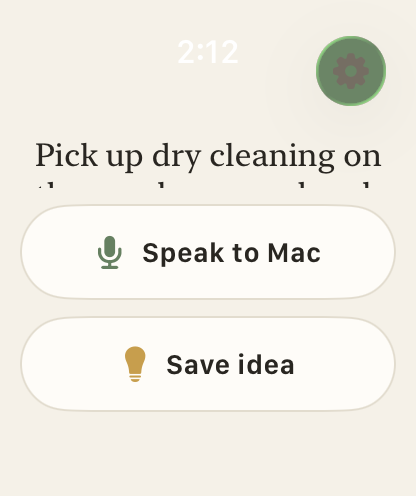
Press the hotkey from any app, speak, and release to type the transcript wherever your cursor is.
Searchable history
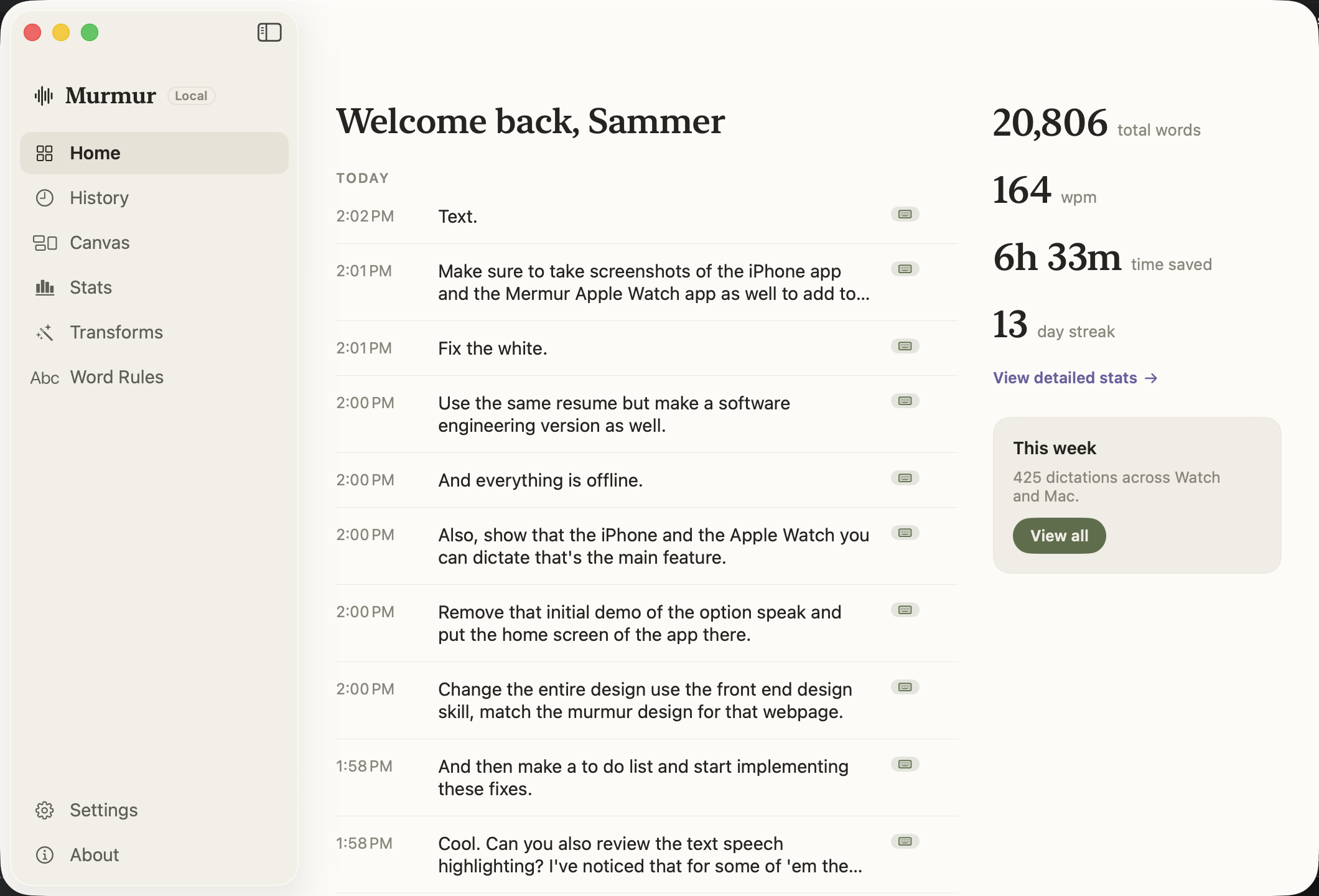
Every dictation is saved with the source app, timestamp, and duration. Search past transcripts and re-type anything with one click.
Productivity stats
Total words, average WPM, dictation count, and time saved vs typing. Track your streak and view weekly summaries.
Canvas inbox
Save ideas and snippets to a categorized inbox. Canvas auto-sorts captures by tag so voice memos become organized notes.
AI transforms
Turn a rough dictation into polished text with per-transform hotkeys. Polish, prompt-engineer, or define your own rewrite.
Custom word rules
Teach Murmur your jargon, acronyms, and corrections so transcripts come out formatted the way you write.
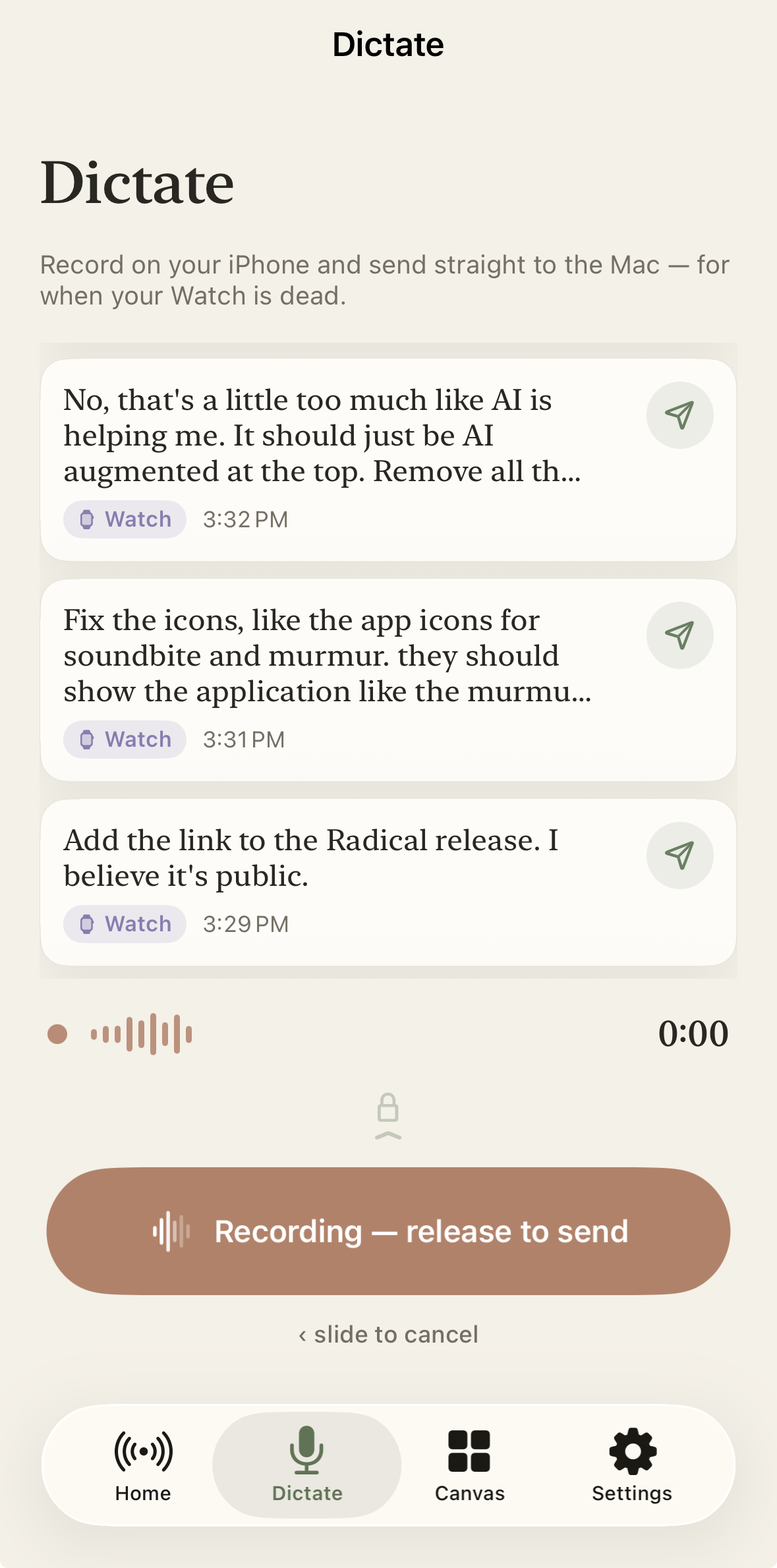 iPhone
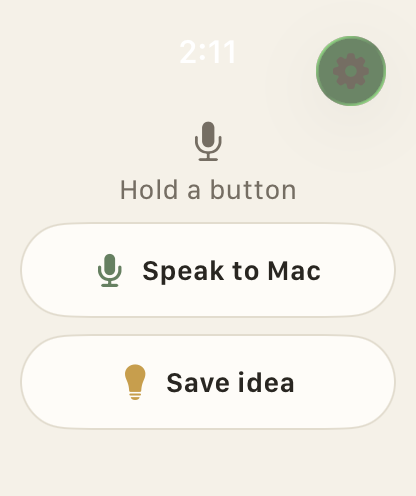 Apple Watch